








Murray Ignition Switch: Riding Mower Key Switch
Is your Murray riding mower failing to start? A faulty ignition switch could be the culprit. This guide provides troubleshooting steps and replacement instructions to get your mower running again.
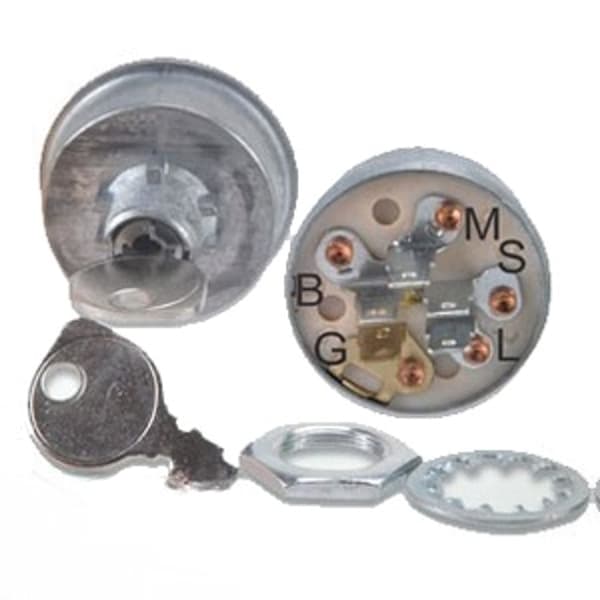
The ignition switch, also known as the key switch, is a crucial component in your Murray riding mower's electrical system. It's the gateway that allows power to flow to the starter motor, ignition coil, and other essential parts, enabling your engine to start and run. When it fails, you're left with a mower that won't crank or start at all. This guide from Madison Tractor will walk you through diagnosing and replacing a faulty Murray ignition switch.
Recommended Parts for This Guide
5 parts we recommend — in stock, ships fast, one-click add to cart.
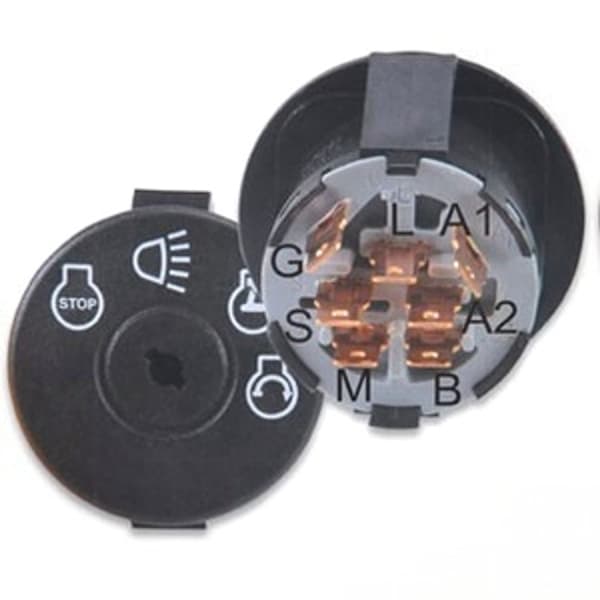
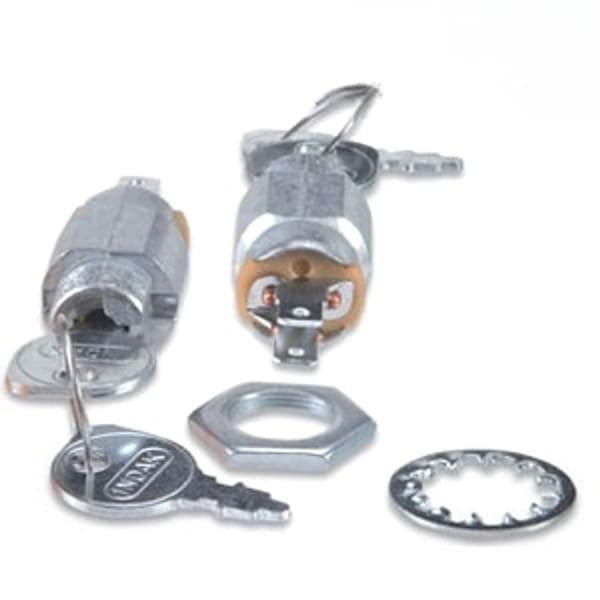
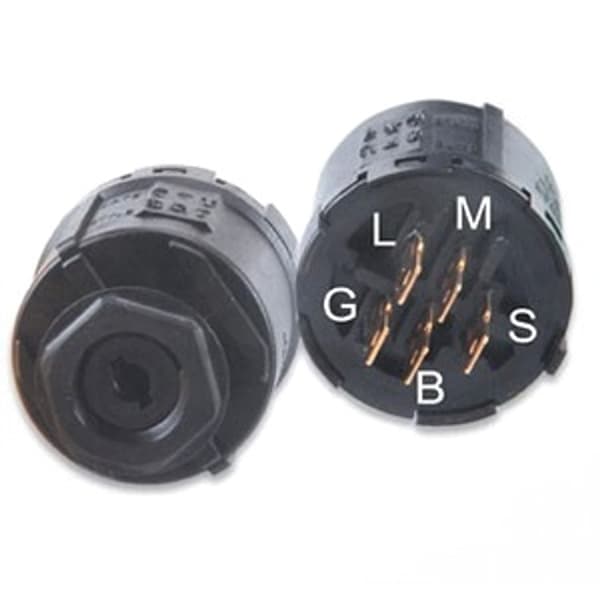
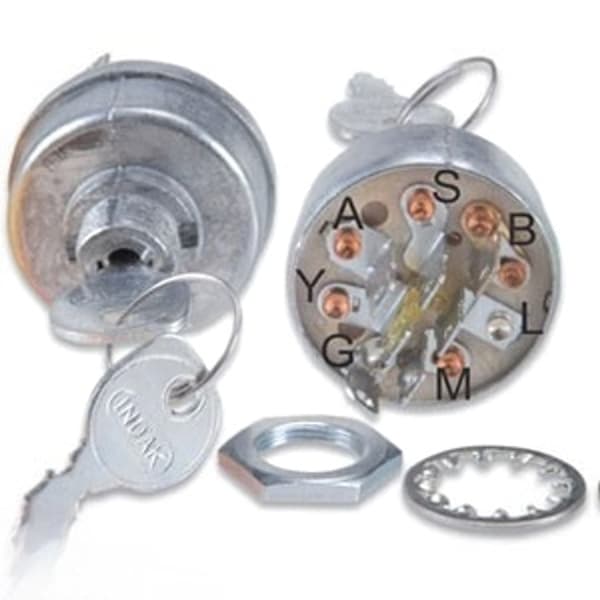
🔍 Looking for a specific part? Try our AI Part Finder — tell it your equipment and what you need, and it will find matching parts instantly.
Common Murray Ignition Switch Problems
Several symptoms can indicate a problem with your Murray ignition switch. Here are some of the most common:
- No Start: The most obvious sign is that the engine won't crank or start when you turn the key.
- Intermittent Starting: The mower starts sometimes, but not others. This could indicate a loose connection or a partially failing switch.
- Engine Dies Suddenly: The engine starts and runs for a while, then suddenly shuts off. This could be due to a loss of power through the ignition switch.
- Clicking Sound: You hear a clicking sound from the starter solenoid, but the engine doesn't turn over. This could mean the ignition switch isn't sending enough power to the solenoid. See our Riding Mower Solenoid guide for more information.
- Burning Smell: A burning smell near the ignition switch is a serious warning sign. It could indicate a short circuit and requires immediate attention.
Safety First: Disconnecting the Battery
Before you begin any troubleshooting or repair work on your Murray riding mower's electrical system, always disconnect the negative (-) battery cable. This prevents accidental shorts or electrical shocks. Use a wrench to loosen the nut on the negative terminal and carefully remove the cable. Tuck it away from the terminal to prevent accidental contact.
Tools and Materials You'll Need
To diagnose and replace your Murray ignition switch, you'll need the following tools and materials:
- Wrench set
- Screwdriver set (Phillips and flathead)
- Multimeter
- Needle-nose pliers
- Wire stripper/crimper (if necessary)
- New Murray ignition switch (Make sure it's the correct replacement for your model. Madison Tractor carries a wide selection of Murray riding mower parts, including ignition switches.)
- Electrical contact cleaner (optional)
- Dielectric grease (optional)
Troubleshooting Your Murray Ignition Switch
Here's a step-by-step guide to troubleshooting your Murray ignition switch:
- Visual Inspection: Begin by visually inspecting the ignition switch and its wiring. Look for any signs of damage, such as cracked housings, frayed wires, or corroded terminals. Clean any corrosion with electrical contact cleaner.
- Check the Connections: Ensure all wires connected to the ignition switch are securely attached. Use needle-nose pliers to tighten any loose terminals. Sometimes, a loose connection is all that's causing the problem.
- Test for Continuity: This is where a multimeter comes in handy. Set your multimeter to the continuity setting (usually indicated by a sound wave symbol). With the ignition switch in the OFF position, test for continuity between the terminals. You should have no continuity. Then, turn the key to the ON position and test the appropriate terminals (refer to your mower's wiring diagram). You should now have continuity between those terminals. Repeat for the START position. If you don't get the expected results, the switch is likely faulty.
- Check Voltage: With the ignition switch in the ON position, use your multimeter to check for voltage at the appropriate terminals. You should have battery voltage (around 12 volts) at the terminals that are supposed to be powered in the ON position. If you don't have voltage, there may be a problem with the wiring or the battery itself.
If your troubleshooting indicates a faulty ignition switch, it's time for a replacement.
Replacing Your Murray Ignition Switch
Follow these steps to replace your Murray ignition switch:
- Disconnect the Battery: (If you haven't already) Ensure the negative battery cable is disconnected.
- Remove the Old Switch: The ignition switch is usually held in place by a nut or screws. Locate the fasteners and remove them. Carefully pull the old switch out of its mounting hole.
- Disconnect the Wiring: Carefully disconnect the wires from the old switch. Take note of the wire positions or take a picture for reference to ensure you reconnect them correctly to the new switch.
- Install the New Switch: Connect the wires to the new switch, making sure they are in the correct positions. Refer to your notes or the wiring diagram if needed. Apply a small amount of dielectric grease to the terminals to prevent corrosion (optional).
- Mount the New Switch: Carefully insert the new switch into the mounting hole and secure it with the nut or screws.
- Reconnect the Battery: Reconnect the negative battery cable.
- Test the Mower: Turn the key to the ON position and then to the START position. The engine should crank and start. If it doesn't, double-check your wiring connections.
Wiring Diagrams
Wiring diagrams are essential for troubleshooting and replacing electrical components. You can often find a wiring diagram in your Murray riding mower's owner's manual. If you don't have the manual, you may be able to find a digital copy online. The wiring diagram will show you the correct terminal connections for the ignition switch.
Other Electrical System Components
While you're working on your Murray's electrical system, it's a good idea to inspect other related components, such as the starter motor, ignition coil, voltage regulator, battery, and seat safety switch. These components work together to ensure your mower starts and runs properly. Replacing worn or damaged parts can prevent future problems. Don't forget to inspect your PTO switch if you're having blade engagement issues.
Madison Tractor carries a wide range of electrical parts for various brands, including John Deere, Craftsman, Cub Cadet, Husqvarna, Toro, Ariens, Hustler, Scag, Exmark, Ferris, Snapper, Simplicity, and Dixie Chopper. We also carry a comprehensive inventory of other replacement parts such as belts, blades, spindles, pulleys, filters, spark plugs, bearings, and shear pins.
Shop Murray Ignition Switches at Madison Tractor
Replacing a faulty Murray ignition switch can save you time and money compared to taking your mower to a repair shop. By following these steps, you can diagnose and replace the switch yourself. Remember to always disconnect the battery before working on the electrical system and to use the correct replacement parts. At Madison Tractor, we are committed to providing top quality parts and information. Browse our selection of Murray ignition switches and other parts to keep your mower running smoothly all season long. You can also use our AI-Powered Part Finder to search for parts by your specific make and model.
Part of our comprehensive guide
Mower Electrical Parts Guide: Starters, Solenoids, Switches & More