








Ford 3000 Tractor Clutch: Single & Dual Stage Parts
Understanding the clutch system in your Ford 3000 tractor is crucial for smooth operation and preventing costly repairs. This guide covers single-stage and dual-stage clutches, common problems, and parts information.
The Ford 3000 is a versatile and reliable tractor, but like any machine, it requires regular maintenance and occasional repairs. The clutch is a critical component, responsible for transferring power from the engine to the transmission. Understanding the nuances of your Ford 3000 clutch, whether it's a single-stage or dual-stage system, is essential for efficient operation and preventing downtime. At Madison Tractor Company, we stock a wide selection of clutch components for various tractor models, including John Deere, Case IH, Ford, New Holland, Massey Ferguson, Kubota, Allis Chalmers, Deutz, International Harvester, Oliver, White, Gleaner, Vermeer, Hesston, Mahindra, and Zetor. This guide will help you diagnose common Ford 3000 clutch problems and identify the correct parts for repair.
Recommended Parts for This Guide
4 parts we recommend — in stock, ships fast, one-click add to cart.
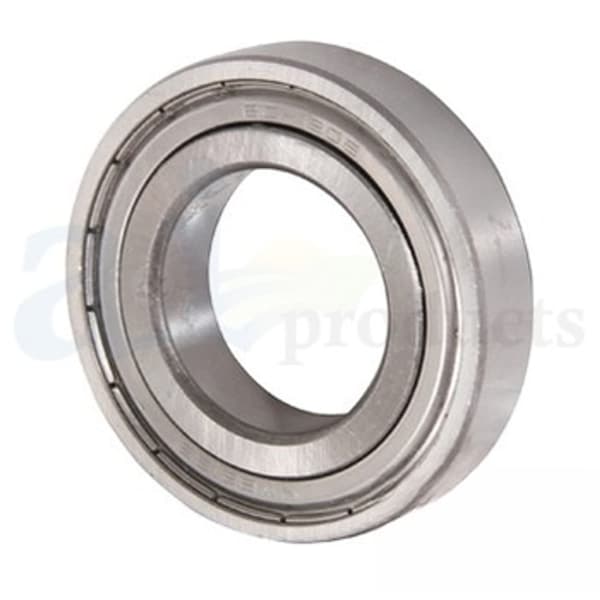
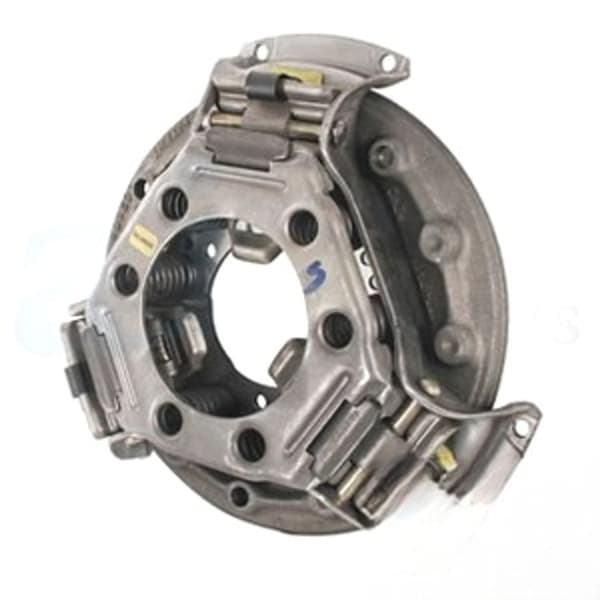
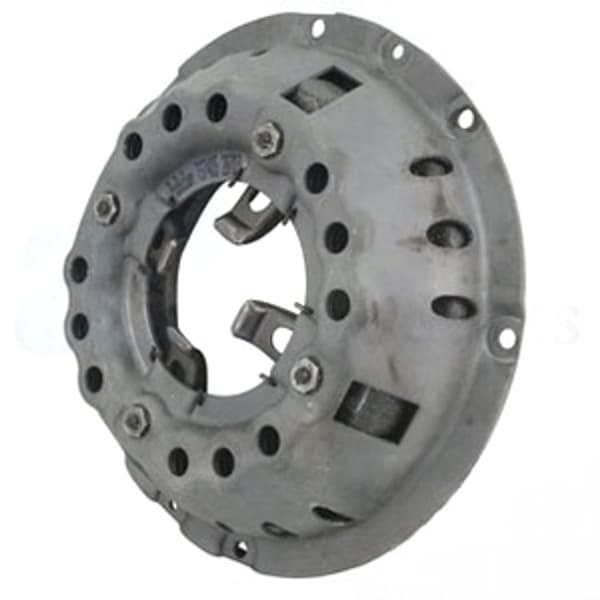
🔍 Looking for a specific part? Try our AI Part Finder — tell it your equipment and what you need, and it will find matching parts instantly.
Introduction to Ford 3000 Clutches
The Ford 3000 tractor was available with both single-stage and dual-stage (also known as a live PTO) clutch options. The type of clutch your tractor has significantly impacts its operation and the parts required for repair. Knowing which type you have is the first step in any clutch-related troubleshooting or maintenance.
- Single-Stage Clutch: This clutch controls both the transmission and the PTO (Power Take-Off) simultaneously. When you depress the clutch pedal, both the transmission and PTO are disengaged.
- dual-stage clutch: This clutch offers independent control of the transmission and PTO. Depressing the clutch pedal halfway disengages the transmission, allowing you to stop the tractor while the PTO continues to operate. Pressing the pedal fully disengages both the transmission and the PTO.
Identifying Your Ford 3000 Clutch Type
If you're unsure whether your Ford 3000 has a single-stage or dual-stage clutch, here's how to determine it:
- Operator's Manual: Consult your tractor's operator's manual. It should specify the clutch type.
- Visual Inspection: The easiest way is to observe how your tractor operates. With the engine running and the PTO engaged, depress the clutch pedal halfway. If the tractor stops moving but the PTO continues to run, you have a dual-stage clutch. If both stop simultaneously, it's a single-stage clutch.
Common Ford 3000 Clutch Problems
Several issues can arise with your Ford 3000 clutch. Here are some of the most common:
- Clutch Slippage: This occurs when the clutch disc fails to fully engage, resulting in a loss of power to the transmission or PTO. Symptoms include reduced tractor speed, especially when pulling a load, and a burning smell. Slippage can be caused by a worn clutch disc, oil contamination, or a weak pressure plate.
- Clutch Drag: Clutch drag happens when the clutch disc doesn't fully disengage when the pedal is depressed. This can make shifting gears difficult or impossible and can cause grinding noises. A misadjusted clutch linkage, a warped clutch disc, or a damaged pilot bearing can cause clutch drag.
- Clutch Chatter: Chatter is characterized by jerky or vibrating clutch engagement. This can be caused by a glazed clutch disc, a worn flywheel surface, or loose engine mounts.
- Hard Pedal: A hard clutch pedal can indicate a problem with the clutch linkage, a worn throw-out bearing (release bearing), or a damaged pressure plate. Read more about tractor throw out bearing replacement.
- PTO Problems (Dual-Stage Clutch): With a dual-stage clutch, the PTO may fail to engage or disengage properly. This could be due to a problem with the second stage of the clutch, a worn PTO clutch plate, or a damaged PTO linkage. Check out tractor PTO clutch solutions.
Troubleshooting and Diagnosis
Before replacing any parts, it's crucial to properly diagnose the problem. Here's a step-by-step troubleshooting guide:
- Check Clutch Linkage: Ensure the clutch linkage is properly adjusted. Refer to your operator's manual for the correct free play specification. A misadjusted linkage is a common cause of clutch problems.
- Inspect the Clutch Pedal: Look for any signs of damage or wear to the clutch pedal itself.
- Listen for Noises: Pay attention to any unusual noises coming from the clutch area when the pedal is depressed or released. Grinding noises often indicate a worn throw-out bearing or pilot bearing.
- Observe PTO Operation (Dual-Stage): Test the PTO engagement and disengagement at different pedal positions. This will help you determine if the problem lies in the first or second stage of the clutch.
- Look for Leaks: Inspect the area around the clutch housing for any signs of oil leaks. Oil contamination can cause clutch slippage.
Ford 3000 Clutch Parts: Single & Dual Stage
At Madison Tractor Company, we stock a comprehensive selection of clutch parts for Ford 3000 tractors, including:
- Clutch Disc: Available in various sizes and friction materials to suit your specific needs. Common OEM part number cross-references include E1ADDN7550A.
- Pressure Plate: Provides the clamping force to engage the clutch disc.
- Throw-Out Bearing (Release Bearing): Transfers the force from the clutch linkage to the Pressure Plate.
- Pilot Bearing: Supports the input shaft of the transmission.
- Clutch Kits: Complete kits containing all the necessary components for a clutch replacement. We offer both single-stage and dual-stage Ford tractor clutch kits.
- Flywheel: The surface against which the clutch disc engages.
- Clutch Fork: Connects the linkage to the throw-out bearing.
- Clutch Linkage Components: Including rods, yokes, pins, and clutch pedal springs.
When selecting clutch parts, it's essential to choose high-quality components from reputable manufacturers. Using inferior parts can lead to premature failure and costly repairs down the road. We recommend considering a full John Deere tractor clutch kit, Case IH clutch kit, Massey Ferguson clutch kit or Kubota clutch kit if you own those tractors.
Ford 3000 Clutch Replacement: A Step-by-Step Guide
Replacing a clutch is a complex job best left to experienced mechanics. However, if you have the necessary skills and tools, here's a general overview of the process:
Safety First: Disconnect the battery before starting any work. Use jack stands to support the tractor safely. Wear safety glasses and gloves.
- Split the Tractor: This involves separating the engine from the transmission. Refer to your service manual for the specific procedure for your Ford 3000. This usually requires removing the hood, fuel tank, and other components.
- Remove the Old Clutch: Once the tractor is split, you can access the clutch. Remove the pressure plate, clutch disc, throw-out bearing, and pilot bearing.
- Inspect the Flywheel: Check the flywheel surface for wear or damage. If necessary, resurface or replace the flywheel.
- Install the New Pilot Bearing: Use a pilot bearing installation tool to properly seat the new bearing.
- Install the New Clutch Disc and Pressure Plate: Use a clutch alignment tool to center the clutch disc. Tighten the pressure plate bolts to the manufacturer's specifications. A typical torque spec for the pressure plate bolts is 35-45 ft-lbs, but always consult your service manual.
- Install the New Throw-Out Bearing: Lubricate the throw-out bearing and install it on the clutch fork.
- Reassemble the Tractor: Carefully align the engine and transmission and bolt them back together.
- Adjust the Clutch Linkage: Adjust the clutch linkage according to your operator's manual.
- Test the Clutch: Start the tractor and test the clutch operation. Make sure the clutch engages and disengages smoothly and that the PTO functions properly (if applicable).
Important Considerations:
- Always consult your Ford 3000 service manual for detailed instructions and torque specifications.
- Replace the pilot bearing whenever you replace the clutch.
- Use a clutch alignment tool to ensure proper clutch disc alignment.
- Consider replacing the flywheel if it's severely worn or damaged.
Ford 3000 Clutch Maintenance Tips
Proper maintenance can extend the life of your Ford 3000 clutch:
- Adjust the Clutch Linkage Regularly: Keep the clutch linkage properly adjusted to prevent premature wear.
- Avoid Riding the Clutch: Riding the clutch (partially depressing the pedal) causes excessive wear on the clutch disc.
- Use the Correct Lubricants: Use the recommended lubricants for the clutch linkage and throw-out bearing.
- Check for Leaks: Regularly inspect the clutch area for oil leaks.
Other Parts for Your Ford 3000
Besides clutch components, Madison Tractor Company also offers a wide variety of other parts for your Ford 3000, including radiators, water pumps, starters, alternators, hydraulic pumps, cylinders, fuel pumps, carburetors, injectors, filters, gaskets, pistons, bearings, seals, and belts. Whatever you need to keep your Ford 3000 running smoothly, we've got you covered.
Conclusion
Understanding your Ford 3000 clutch system is essential for keeping your tractor in top working condition. By following the advice in this guide, you can diagnose common problems, identify the correct parts, and perform necessary repairs. Remember to always consult your service manual and prioritize safety when working on your tractor.
Ready to get your Ford 3000 back in the field? Shop our extensive selection of Ford tractor parts, including Ford 3000 clutch components, at Madison Tractor Company. We have the parts you need to keep your tractor running strong! Our knowledgeable staff is here to assist you with any questions you may have.
🔍 Can't Find Your Part?
Use our AI-Powered Part Finder to search by your equipment's make, model, and what you need. It's the fastest way to find the exact part for your machine.
Try the Part Finder →Part of our comprehensive guide
Tractor Clutch Replacement Guide: Kits, Adjustment & Installation