








Ariens Zero Turn Belt: IKON & Edge Deck Belts
Replacing an Ariens zero turn belt, especially on IKON and Edge models, can seem daunting. This guide provides everything you need to know, from identifying the correct belt size to step-by-step replacement instructions.
Ariens Zero Turn Belt: IKON & Edge Deck Models
Ariens zero turn mowers are known for their durability and performance, but like any machine, they require regular maintenance. One of the most common maintenance tasks is replacing the mower deck belt. This guide focuses on Ariens zero turn belts, specifically for IKON and Edge deck models, providing information on identification, replacement, and maintenance. We cover common part types like belts, blades, spindles, and pulleys.
Recommended Parts for This Guide
2 parts we recommend — in stock, ships fast, one-click add to cart.
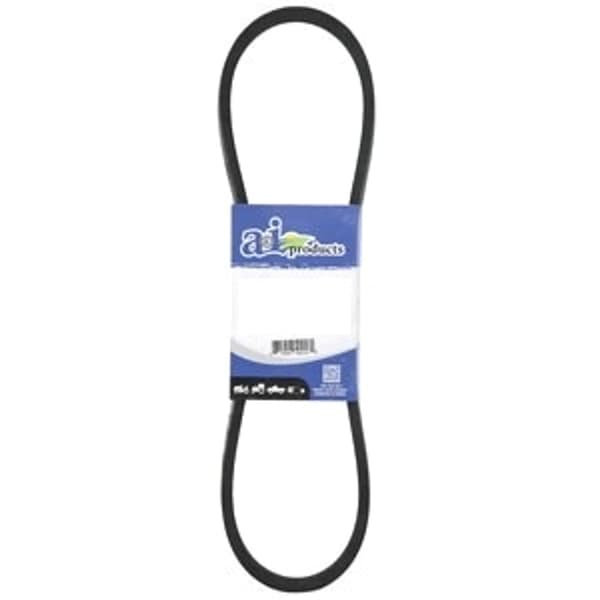
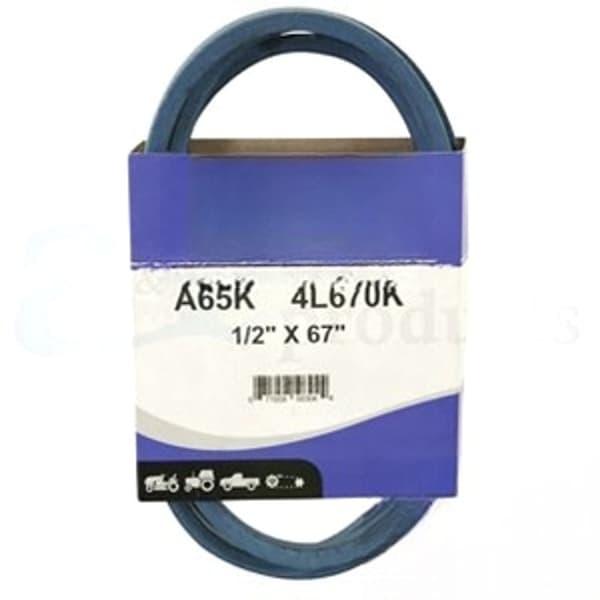
🔍 Looking for a specific part? Try our AI Part Finder — tell it your equipment and what you need, and it will find matching parts instantly.
At Madison Tractor Company, we understand the importance of keeping your Ariens mower running smoothly. We stock a wide range of Ariens parts, along with parts for other leading brands like John Deere, Craftsman, Cub Cadet, Husqvarna, Toro, Murray, Hustler, Scag, Exmark, Ferris, Snapper, Simplicity, and Dixie Chopper.
Identifying the Correct Ariens Zero Turn Belt
The first step in replacing your Ariens zero turn belt is identifying the correct replacement part. Using the wrong belt can lead to poor performance, premature wear, and even damage to your mower. Here's how to find the right belt:
1. Locate Your Model Number
The model number is your key to finding the correct parts. It's typically located on a sticker or plate on the mower frame, often near the engine or under the seat. Write down the full model number and serial number.
2. Consult Your Owner's Manual
Your owner's manual should list the correct belt part number for your specific model. This is the most reliable source of information. If you don't have the manual, you can often find a digital version on the Ariens website.
3. Use Online Parts Lookups
Many online parts retailers, including Madison Tractor, have parts lookup tools. Enter your model number, and the tool will display a list of compatible belts, blades, spindles, and other parts. Be sure to double-check the belt dimensions against the specifications in your owner's manual or on the original belt (if available).
4. Measure the Old Belt (If Possible)
If your old belt is still intact (even if broken), you can measure its length and width. Use a flexible measuring tape and measure the outside circumference of the belt. Note the width of the belt as well. This information can help you find a suitable replacement, especially if you can't find the exact part number.
5. Common Ariens Zero Turn Belt Part Numbers (IKON & Edge)
Here are some common Ariens zero turn belt part numbers for IKON and Edge models. Always verify these against your specific model number.
Replacing Your Ariens Zero Turn Belt: Step-by-Step
Replacing your Ariens zero turn belt is a straightforward process, but it's essential to follow safety precautions and take your time.
Safety First!
- Disconnect the spark plug wire: This prevents accidental starting of the engine.
- Wear gloves: Protect your hands from grease, dirt, and sharp edges.
- Use safety glasses: Prevent debris from getting into your eyes.
Tools You'll Need:
- Wrench set
- Socket set
- Pliers
- Screwdriver (Phillips and flathead)
- Belt removal tool (optional, but helpful)
- Work gloves
- Safety Glasses
Steps:
- Raise the mower deck: If your mower has a deck lift lever, use it to raise the deck to its highest position. If not, you may need to use a jack. Ensure the mower is stable and secure before working underneath it.
- Remove the mower deck (if necessary): Some Ariens models require you to remove the deck for belt replacement. Consult your owner's manual for instructions on deck removal. Typically, this involves detaching the deck from its mounting points and removing any connecting rods or cables.
- Release the belt tension: Locate the belt tensioner pulley. It's usually spring-loaded. Use a wrench or socket to rotate the tensioner pulley arm away from the belt, relieving tension. Some models may have a lever or handle to disengage the tensioner.
- Remove the old belt: Carefully remove the old belt from around all the pulleys and spindles. Note the routing of the belt before removing it – take a picture if necessary. This will help you install the new belt correctly.
- Install the new belt: Follow the same routing as the old belt. Make sure the belt is properly seated in the grooves of all the pulleys and around the spindles.
- Engage the belt tensioner: Release the tensioner pulley arm, allowing it to apply tension to the new belt. Ensure the belt is correctly positioned and not twisted.
- Reinstall the mower deck (if removed): Reattach the deck to its mounting points, reconnecting any rods or cables. Ensure everything is properly secured.
- Lower the mower deck: Lower the deck to its normal operating height.
- Reconnect the spark plug wire: Reconnect the spark plug wire to the spark plug.
- Test the mower: Start the mower and engage the blades to ensure the new belt is working correctly. Listen for any unusual noises or vibrations.
Ariens Zero Turn Belt Maintenance and Tips
Proper maintenance can extend the life of your Ariens zero turn belt and prevent premature failure.
- Keep the deck clean: Remove grass clippings and debris from the deck regularly. This prevents buildup that can cause the belt to overheat and wear prematurely.
- Check belt tension: Periodically check the belt tension and adjust it if necessary. A loose belt can slip, causing reduced cutting performance and increased wear.
- Inspect pulleys and spindles: Inspect the pulleys and spindles for damage or wear. Replace any worn or damaged parts to ensure smooth belt operation. Bearings are a common failure point.
- Avoid obstacles: Be careful to avoid hitting objects such as rocks, roots, and branches. These can damage the belt and other components.
- Use the correct belt: Always use the correct replacement belt specified for your mower model. Using the wrong belt can lead to poor performance and premature failure. We sell a variety of filters, spark plugs, and shear pins too.
- Proper Storage: When storing your mower for the off-season, disengage the blades to reduce tension on the belt.
Understanding Mower Deck Belts and Drive Belts
It's important to distinguish between mower deck belts and drive belts. The mower deck belt powers the cutting blades, while the drive belt transmits power from the engine to the wheels. Both are crucial for mower operation, but they perform different functions and require different types of belts. Other helpful articles include Craftsman 42-Inch Mower Belt Replacement & Size Chart, Cub Cadet Deck Belt Replacement: All Models & Sizes, Husqvarna Mower Belt Size Chart: Find Your Belt, Craftsman Riding Mower Drive Belt: Sizes & Part Numbers, Toro TimeCutter Belt Replacement: Deck & Drive Belts, and Cub Cadet LT1045 Belt Size & Replacement Guide. Using the wrong type of belt can cause serious damage.
Troubleshooting Common Ariens Zero Turn Belt Problems
Here are some common problems you might encounter with your Ariens zero turn belt and how to troubleshoot them:
- Belt Slipping: This can be caused by a loose belt, worn pulleys, or a buildup of debris on the deck. Adjust the belt tension, clean the deck, and inspect the pulleys for wear.
- Belt Squealing: This is often a sign of a loose belt or worn pulleys. Adjust the belt tension and inspect the pulleys.
- Belt Breaking: This can be caused by a damaged belt, excessive wear, or hitting an object. Replace the belt and inspect the pulleys and spindles for damage.
- Uneven Cut: This can be caused by a worn or damaged belt, loose spindles, or uneven blades. Replace the belt, tighten the spindles, and sharpen or replace the blades.
By following these tips and performing regular maintenance, you can keep your Ariens zero turn mower running smoothly and efficiently for years to come.
Ready to find the right Ariens zero turn belt for your mower? Browse our extensive selection of Ariens mower parts at Madison Tractor Company. We offer competitive prices, fast shipping, and expert customer support. Keep your lawn looking its best with genuine replacement parts from Madison Tractor!
🔍 Can't Find Your Part?
Use our AI-Powered Part Finder to search by your equipment's make, model, and what you need. It's the fastest way to find the exact part for your machine.
Try the Part Finder →Part of our comprehensive guide
Mower Belt Replacement Guide: Find the Right Belt for Your Mower